
Digital Declutter Your Business: 5 Quick Ways to Reclaim Your Focus and Flow
TL;DR: Your digital mess is draining your mental clarity before you even start working. You need to declutter your business in a way that actually makes sense for how you work.
Your Digital Chaos
You know that moment when you need a client contract and spend 15 minutes clicking through folders, searching your email, and checking three different Google Drives before giving up and asking the client to resend it?
That’s not just annoying. It’s costing you money, energy, and your professional reputation.
Your digital mess is draining your mental clarity before you even start working. While you’re hunting for files and drowning in browser tabs, your fellow solopreneurs are logging off at 5 PM with their sanity intact.
The truth? You don’t need another productivity app. You need to declutter your business in a way that actually makes sense for how you work.
The Hidden Cost of Digital Chaos
Physical clutter is obvious. You can see papers piling up or drawers overflowing. But digital clutter? It multiplies silently across devices, hiding in folders and lurking in downloads while you’re busy trying to run your business.
Most solopreneurs don’t realize how much their digital mess is actually sabotaging them until they finally clean it up and feel the difference.
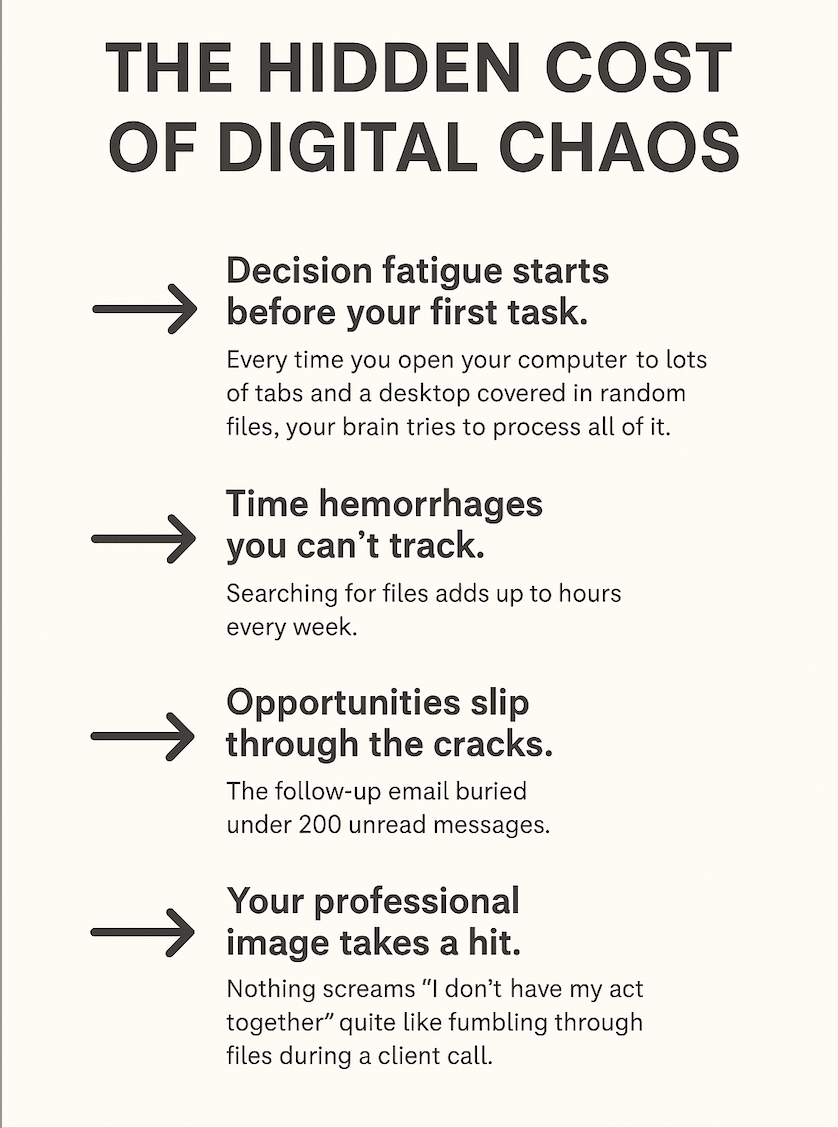
⇒ Decision fatigue starts before your first task. Every time you open your computer to 47 tabs and a desktop covered in random files, your brain tries to process all of it. You’re mentally exhausted before you’ve accomplished anything. It’s like starting a marathon after running five miles just to get to the starting line.
⇒ Time hemorrhages you can’t track. Searching for files adds up to hours every week. So does recreating documents you know you saved somewhere, managing duplicates across platforms, and trying to remember which version is the final one. That’s time you could spend on revenue-generating work or actually having a life outside your business.
⇒ Opportunities slip through the cracks. The follow-up email buried under 200 unread messages. The proposal template you spent hours perfecting, but can’t locate, so you start from scratch. The client inquiry you meant to respond to but lost track of. Digital clutter doesn’t just waste time; it costs you money.
⇒ Your professional image takes a hit. Nothing screams “I don’t have my act together” quite like fumbling through files during a client call or sending the wrong document version 3 times. Clients notice. They might not say anything, but they notice.
The worst part? Without a system, you’ll be right back in this mess within 3 months. That’s why these digital organization tips focus on creating sustainable systems, not just one-time cleanups.
1. Why Your Desktop Destroys Your Focus (Before You Even Start)
Earlier this week, I shared exactly why keeping a clean desktop is important (read the article here). Your desktop is the first thing you see every morning. If it looks like a digital crime scene, that’s setting the tone for your entire day.
Think about it. You sit down with your coffee, ready to tackle your to-do list, and you’re immediately confronted with chaos. Random screenshots, PDFs named “final_FINAL_v3,” folders created in a panic six months ago, and at least one file called “Untitled.”
This visual overwhelm triggers something in your brain before you’ve even opened your email. It signals disorder, reminds you of unfinished tasks, and creates an immediate sense of being behind.
The desktop trap is when you save something there “just for now,” you’re adding to tomorrow’s mental load. It feels convenient in the moment, but you’re actually stealing clarity from your future self.
A clean desktop isn’t about being minimalist for aesthetics. It’s about removing visual noise so your brain can focus on what actually matters today. When you open your laptop and see calm instead of chaos, you start from a place of control instead of overwhelm.
The real game-changer? A simple structure that eliminates the “where should this go?” decision that keeps your desktop cluttered in the first place.
2. The File System Disaster Nobody Talks About
Here’s what’s probably happening in your business right now: client files live in email attachments, important documents hide in downloads, and you’ve got 3 versions of the same proposal across two cloud storage accounts with no idea which one is current.
This scattered approach to files isn’t just disorganized. It’s a sign that you’re making decisions about where to save things in the moment of stress, not from a place of strategy.
The cost of scattered files goes way beyond the time spent searching. It affects your confidence. When you can’t quickly access what you need, you start doubting your memory, questioning your professionalism, and feeling like you’re constantly playing catch-up in your own business.
Many digital organization tips recommend elaborate folder hierarchies with subcategories, color-coding, and tagging systems. Those fail because they require too much thinking. When you’re in the middle of a project, the last thing you want to do is figure out whether something belongs in “Marketing > Social Media > Content Ideas > Q4” or “Content > Ideas > Social.”
What actually works is having one central location with a structure so simple that future-you (the stressed, tired version) can navigate it without thinking. Every file has an obvious home. Client work stays together. Business operations have their own space. Templates are easy to grab. Nothing complicated.
The transformation happens when saving files correctly becomes automatic, not a decision you have to make every time. That’s when your system maintains itself.
3. Your Inbox Isn’t a To-Do List (But You’re Treating It Like One)
Your inbox has become a dumping ground for tasks, reference materials, receipts, newsletters, and that LinkedIn notification from someone you don’t remember connecting with.
You’ve got 1,847 unread emails. Some from 2019. You’ve starred 200 messages, thinking you’ll get back to them. Every time you open your email, you feel overwhelmed, so you just scan for fires that need putting out and ignore everything else.
This isn’t an email problem. It’s a system problem. You’re using your inbox as a filing cabinet, task manager, reminder system, and archive all at once. No wonder it feels impossible to manage.
The hidden cost? Every time you scan through that mess looking for something specific, you’re seeing all the other things you haven’t dealt with. It’s like trying to find one book in a library where someone dumped every book on the floor. Technically, everything is there, but good luck finding what you need without tripping over everything else.
Email overwhelm isn’t about willpower or discipline. It’s about trying to use one tool for five different jobs. The shift happens when you stop treating your inbox like storage and start treating it like a sorting station. Things flow through, get categorized, and move to where they actually belong.

4. Why You Need a Command Center (Not More Apps)
Right now, you’ve got bookmarks scattered across three browsers, passwords on sticky notes, important links buried in old Slack messages, and subscriptions to tools you forgot you’re paying for.
Every time you need something, you’re playing a mental game of “where did I put that?” It’s exhausting.
The real problem isn’t that you need better memory or more apps. It’s that you’re trying to remember everything instead of having one place where everything lives. Your brain wasn’t designed to be a filing system. It’s designed to think, create, and solve problems.
Most digital organization tips tell you to download another app, learn a new system, or adopt some complicated productivity method. But here’s what actually happens: you spend two hours setting it up, use it for three days, then abandon it because it’s one more thing to maintain.
A command center works differently. It’s not about learning new software. It’s about creating one master document that becomes your business brain. Client info, login credentials, templates you reuse, links to important folders, your weekly checklist, everything in one searchable place.
The transformation happens when you stop trying to remember where everything is and start having one reliable place to find anything. You’re not managing a dozen different systems anymore. You’re maintaining one document.
This single shift can save you from that scattered feeling where you know you have what you need but can’t quite put your hands on it. Everything is exactly where you expect it to be.
5. The System That Keeps You Clutter-Free (Without Constant Maintenance)
You’ve cleaned up the mess before. Maybe multiple times. But within weeks or months, you’re right back where you started, drowning in digital chaos again.
That’s because decluttering is easy. Staying decluttered is hard.
The reason systems fail isn’t because you’re lazy or undisciplined. It’s because most systems require constant effort to maintain. They work great when you’re motivated and have time, but they fall apart the moment you get busy or tired.
What you actually need is a daily practice so simple that even exhausted-you can do it. Something that takes 10 minutes and prevents clutter from building up in the first place.
The Daily Focus Framework does this. Every morning, you spend just 10 minutes getting clear on what matters today. Not planning your entire week. Not organizing your whole life. Just today. The 3 things that will move your business forward? When will you do them? That’s it.
This practice prevents digital clutter because it keeps you intentional.
Why this works when other systems don’t: It’s not about perfection. It’s about consistency. Ten minutes every morning is manageable even on your worst days. And those 10 minutes prevent the chaos that takes hours to clean up later.
What Changes When You Finally Declutter Your Business
The shift isn’t dramatic at first. You won’t suddenly have twice as many hours in the day or close deals faster overnight.
But here’s what you will notice:
You’ll sit down at your desk and actually know where to start. No more staring at chaos, wondering what to tackle first. You’ll find files in seconds instead of minutes. You’ll stop that nagging feeling that you’re forgetting something important. You’ll respond to clients faster because you’re not hunting for information.
The real transformation is internal. You’ll feel in control of your business instead of constantly reacting to whatever screams loudest. You’ll have mental space for creativity and strategy instead of using all your energy just to stay afloat.
Your weekends will actually feel like breaks because you’re not carrying the weight of unfinished tasks and digital disorder. You’ll show up to client calls feeling prepared and professional instead of scrambling.
Your Next Step: Download the Daily Focus Framework
Digital organization tips only work if you have a daily practice that prevents clutter from building back up. That’s exactly why the Daily Focus Framework exists.
It’s a simple, 10-minute morning system designed for solopreneur women who need structure without rigidity. No complicated planners. No learning curves. Just a practical tool that keeps you focused on what moves your business forward.
Download the Daily Focus Framework and start tomorrow morning with the clarity you’ve been missing. Inside, you’ll find the complete framework explained, a printable daily focus sheet, real examples from successful service-based businesses, and answers to staying on track when life gets chaotic.
You’ve spent years building this business. Give yourself the system to actually enjoy running it.
Because your vision deserves better than being buried under digital chaos. Your time deserves intention. And you deserve to feel in control of the business you worked so hard to create.
Grab it here and start using it tomorrow. ⇒ You’ll feel the difference by Friday.